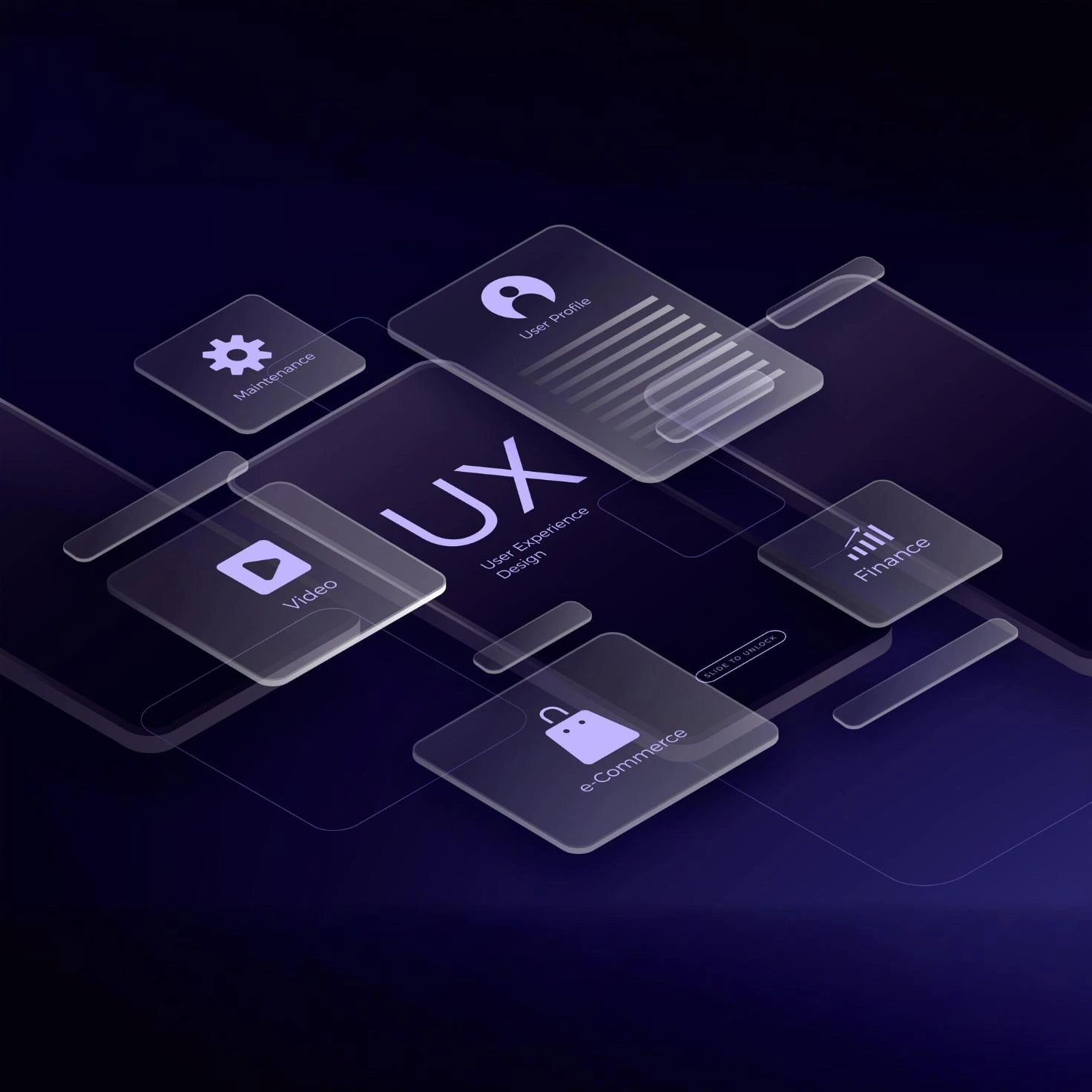
In today’s competitive digital landscape, writing great content alone is not enough. Your blog’s design plays a major role in determining whether visitors stay, explore, and convert — or leave within seconds. A visually appealing and user-friendly blog can improve engagement, reduce bounce rates, and encourage readers to spend more time on your website.
Whether you run a personal blog, business website, or online store, understanding how to design a reader-friendly blog is essential for long-term success. Businesses investing in professional blog layouts often see better SEO performance, higher user retention, and stronger brand trust. Companies offering web design and development services frequently focus on blog optimization because it directly impacts customer engagement and conversions.
Key Highlights
- Why blog design matters for reader engagement
- The importance of mobile-friendly layouts
- Best typography and readability practices
- How colors influence user behavior
- Navigation tips to improve user experience
- Ways to use images and visuals effectively
- SEO-friendly blog design strategies
- Internal linking methods to increase page views
- CTA placement tips for better conversions
- Common blog design mistakes to avoid
Why Blog Design Matters
When visitors land on your blog, they form an opinion within seconds. A cluttered layout, poor navigation, or slow-loading page can immediately drive users away.
Good blog design helps:
- Improve readability
- Build trust
- Increase session duration
- Encourage social sharing
- Boost search engine rankings
- Improve conversion rates
A well-designed blog acts as a digital storefront for your brand. Businesses that invest in professional UI/UX design services often achieve higher engagement because users find their websites easier and more enjoyable to navigate.
1. Keep Your Blog Layout Clean and Minimal
One of the biggest mistakes bloggers make is overcrowding pages with too many elements.
A clean layout helps readers focus on the content without distractions.
Best Practices for Minimal Blog Design
Use White Space Effectively
White space improves readability and reduces visual fatigue. It creates breathing room around text and images.
Avoid Too Many Sidebars
Too many widgets, banners, and ads can overwhelm readers.
Instead:
- Keep only essential widgets
- Use one sidebar or none
- Highlight important content strategically
Maintain Visual Hierarchy
Organize content using:
- Headings
- Subheadings
- Bullet points
- Highlighted quotes
- Images
This makes the blog easier to scan.
2. Focus on Mobile-Friendly Design
More than half of global website traffic comes from mobile devices. If your blog is not optimized for smartphones and tablets, you risk losing a significant portion of readers.
Responsive design is now essential, not optional.
Professional developers specializing in mobile app development and responsive web experiences understand the importance of cross-device compatibility for user engagement.
Mobile Optimization Tips
Use Responsive Themes
Choose themes that automatically adapt to different screen sizes.
Optimize Font Sizes
Small fonts frustrate mobile users.
Recommended:
- Body text: 16px–18px
- Headings: Larger and bold
Ensure Buttons Are Clickable
Buttons and links should be easy to tap without zooming.
Reduce Popups on Mobile
Aggressive popups can negatively impact mobile user experience.
3. Improve Blog Readability
Even high-quality content can fail if it’s difficult to read.
Typography Best Practices
Use Readable Fonts
Good font choices include:
- Arial
- Roboto
- Open Sans
- Lato
- Poppins
Maintain Proper Line Spacing
Ideal line height improves readability.
Recommended:
- 1.5 to 1.8 line height
Keep Paragraphs Short
Large text blocks scare readers away.
Instead:
- Use short paragraphs
- Break content into sections
- Add headings frequently
Use Contrast Properly
Dark text on a light background works best.
Avoid:
- Neon colors
- Low contrast combinations
4. Use Engaging Visuals
Images and graphics can dramatically increase reader engagement.
Blogs with visuals typically receive:
- More shares
- Longer session durations
- Better comprehension rates
Businesses providing graphics design and animation services often create custom visuals to make blog content more engaging and memorable.
Types of Visuals to Include
Featured Images
Use compelling featured images for every post.
Infographics
Infographics simplify complex information.
Screenshots
Useful for tutorials and guides.
Custom Illustrations
They help build brand identity.
Videos
Embedded videos improve engagement and increase time spent on page.
5. Optimize Blog Speed
Slow-loading blogs frustrate users and hurt SEO rankings.
Even a one-second delay can reduce conversions significantly.
Tips to Improve Blog Speed
Compress Images
Large images slow down websites.
Use:
- WebP format
- Compression tools
- Lazy loading
Use Fast Hosting
Reliable hosting improves performance and uptime.
Minify CSS and JavaScript
Reduce unnecessary code to speed up loading.
Enable Browser Caching
Caching helps returning visitors load pages faster.
Businesses offering custom application development often optimize website architecture for speed and scalability.
6. Create Easy Navigation
Good navigation helps users discover more content.
If readers can’t find what they need quickly, they leave.
Blog Navigation Tips
Use Clear Menus
Keep navigation simple and organized.
Add Search Functionality
Search bars improve user experience significantly.
Use Categories and Tags
Organize posts properly for easier discovery.
Add Related Posts
Related content keeps readers on your website longer.
Use Sticky Headers
Sticky navigation improves usability on long-form articles.
7. Use Internal Linking Strategically
Internal links improve:
- SEO
- User engagement
- Page views
- Content discovery
For example, if readers want to improve their website performance, you can direct them to resources related to digital marketing and SEO services or custom website solutions.
Internal Linking Best Practices
Link Relevant Content Naturally
Avoid excessive linking.
Use Descriptive Anchor Text
Good anchor text improves SEO and usability.
Add Links Early in the Article
Early links encourage deeper browsing.
Include Service Pages
Business blogs should strategically connect informational content with service pages.
For example:
8. Use Strong Calls-to-Action (CTAs)
Every blog should guide readers toward a next step.
Effective CTA Examples
- Subscribe to newsletter
- Contact your team
- Read related articles
- Download resources
- Request a consultation
A strong CTA can significantly improve conversions.
For example:
- “Need help building an engaging website? Explore our professional web development services today.”
CTA Placement Tips
Above the Fold
Visible immediately after page load.
Mid-Content CTAs
Useful for long-form articles.
End-of-Post CTAs
Perfect for conversion-focused blogs.
9. Use SEO-Friendly Blog Design
Good design and SEO work together.
Search engines prioritize websites that provide positive user experiences.
SEO Design Tips
Use Proper Heading Structure
Maintain hierarchy:
- H1
- H2
- H3
Optimize Images
Add:
- Alt text
- File names
- Compression
Improve Core Web Vitals
Focus on:
- Fast loading
- Visual stability
- Responsive design
Add Schema Markup
Schema improves visibility in search results.
Use SEO-Friendly URLs
Keep URLs:
- Short
- Descriptive
- Keyword-rich
Businesses focused on SEO and digital marketing solutions often combine technical SEO with modern design practices for better rankings.
10. Encourage Reader Interaction
Interactive blogs keep users engaged longer.
Ways to Increase Interaction
Enable Comments
Allow discussions and feedback.
Add Polls and Surveys
Interactive elements increase engagement.
Use Social Sharing Buttons
Encourage readers to share content.
Include Quizzes
Quizzes improve time-on-page.
Add Chat Support
Live chat can help answer visitor questions quickly.
Businesses using smart engagement tools and virtual assistance services often improve customer satisfaction and lead generation.
11. Maintain Consistent Branding
Consistency builds trust and recognition.
Branding Elements to Standardize
- Colors
- Fonts
- Logo placement
- Button styles
- Image styles
A cohesive brand identity improves professionalism and memorability.
If your business needs a professionally designed website aligned with your branding goals, investing in expert web development plans can help create a scalable and visually engaging platform.
12. Add Trust Elements
Readers are more likely to stay and engage when they trust your website.
Trust Signals to Include
Author Bios
Show expertise and credibility.
Testimonials
Social proof increases trust.
HTTPS Security
Secure websites improve user confidence.
Case Studies and Portfolio
Show real results.
Example:
13. Use Smart Content Formatting
Formatting influences readability more than many bloggers realize.
Formatting Tips
Use Bullet Points
Easy to scan.
Highlight Important Text
Bold important insights.
Add Quotes
Break monotony visually.
Use Tables Where Necessary
Helpful for comparisons.
Insert Visual Breaks
Separate long sections with images or dividers.
14. Reduce Bounce Rate with Better Design
Bounce rate measures how quickly visitors leave your website.
Good blog design reduces bounce rate by:
- Improving navigation
- Increasing readability
- Encouraging clicks
- Speeding up loading time
Common Reasons Readers Leave Blogs
- Poor mobile experience
- Slow loading
- Too many ads
- Confusing layouts
- Difficult navigation
- Low-quality visuals
15. Build a Conversion-Oriented Blog
An engaging blog should not only attract readers but also generate leads and sales.
Conversion Optimization Tips
Add Lead Magnets
Examples:
- Free guides
- Templates
- Checklists
Use Email Signup Forms
Grow your audience consistently.
Include Contact Options
Easy communication improves conversions.
Example:
Add Service Recommendations
Relevant service suggestions can convert readers into customers.
Common Blog Design Mistakes to Avoid
Overusing Popups
Too many popups frustrate users.
Ignoring Mobile Users
Mobile optimization is essential.
Using Too Many Fonts
Stick to 2–3 fonts maximum.
Poor Contrast
Text must be easy to read.
Cluttered Sidebars
Keep layouts clean.
Auto-Playing Media
Unexpected audio or video annoys visitors.
Slow Loading Pages
Performance directly impacts engagement.
Future Trends in Blog Design
Blog design continues evolving with technology and user expectations.
Emerging Trends
AI-Powered Personalization
Dynamic content based on user behavior.
Interactive Storytelling
Engaging visual experiences.
Dark Mode Support
Improves accessibility and user preference.
Voice Search Optimization
Growing importance in SEO.
Motion UI
Subtle animations enhance user engagement.
Businesses adapting modern technologies through custom application development services can stay ahead of evolving user expectations.
Conclusion
A successful blog is not just about publishing content — it’s about creating an engaging experience for readers. From clean layouts and mobile responsiveness to strong typography, visuals, navigation, and SEO optimization, every design element affects how users interact with your content.
When done correctly, blog design can:
- Increase reader retention
- Improve search rankings
- Build trust
- Boost conversions
- Strengthen your brand identity
Investing in professional design and user experience improvements can transform your blog into a powerful business and marketing asset. Whether you are building a personal blog or a business website, focusing on reader engagement should always be a top priority.